Physical Address
304 North Cardinal St.
Dorchester Center, MA 02124
Physical Address
304 North Cardinal St.
Dorchester Center, MA 02124


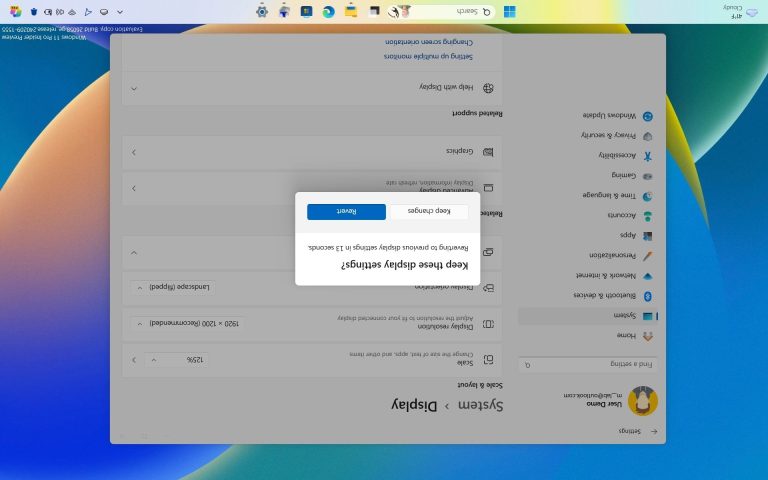
Sometimes your computer display can accidentally flip upside down or sideways due to a stray keystroke, a faulty driver update, or a glitch when connecting an external monitor. Alternatively, you might want to manually rotate your monitor into portrait mode…
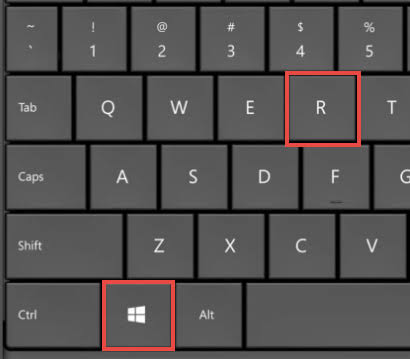
The Command Prompt is a powerful built-in utility in Windows that allows you to interact with your operating system using text-based commands. Whether you are running network diagnostics, executing administrative scripts, fixing corrupted system files, or managing disks, knowing how…
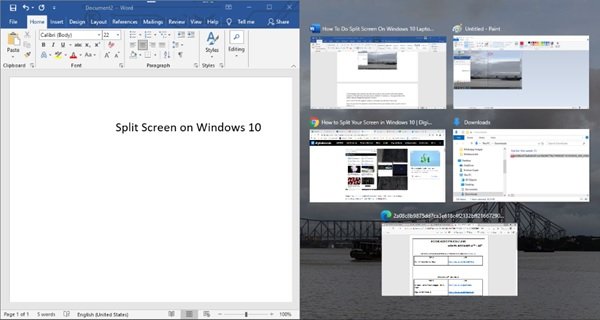
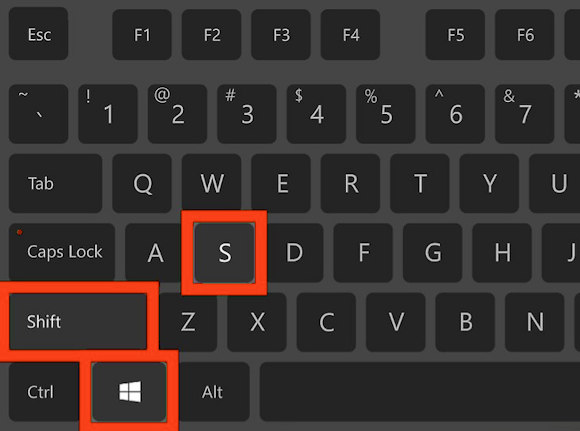
Whether you are saving a funny meme, putting together a technical support ticket, or compiling a step-by-step tutorial for your own documentation, knowing how to capture your Windows screen effectively is an essential daily skill. Over the years, Microsoft has…
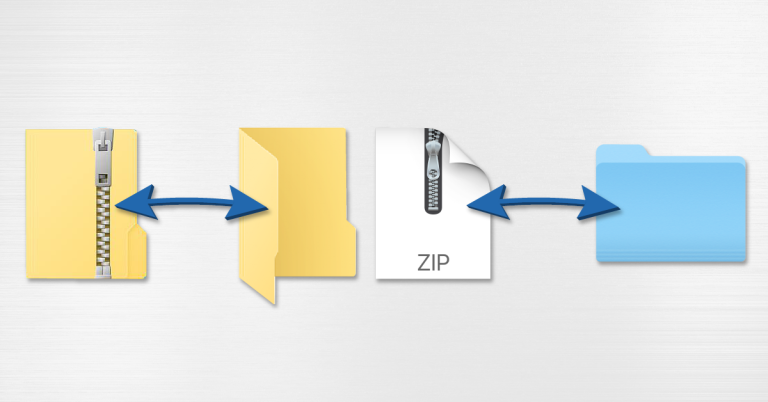
Managing your digital files efficiently often requires compressing them into a single archive. Whether you want to save hard drive space, clean up a messy folder before backing it up, or combine multiple documents into a single attachment for an…
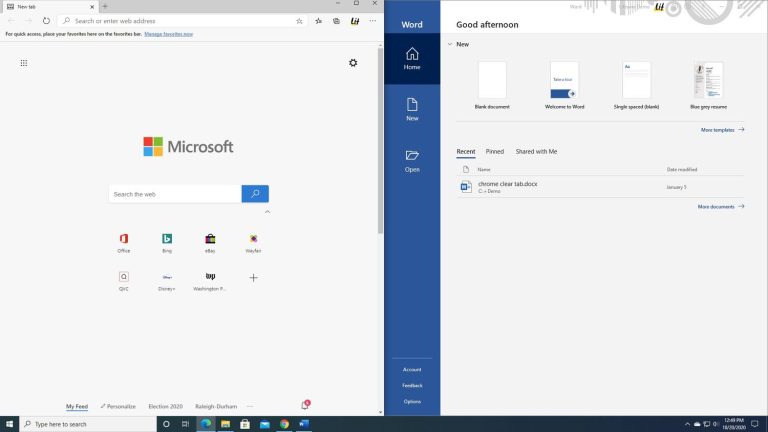
How Multitasking is essential for productivity. Windows 11 makes it incredibly easy to snap multiple windows side-by-side using a built-in feature called Snap Layouts. Here are the three easiest ways to split your screen in Windows 11. Method 1: Using…
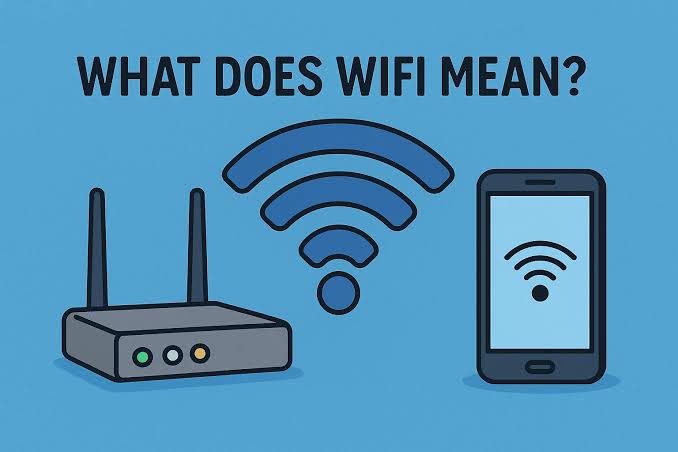
Your router is the front door to your digital life. Leaving it with factory settings is like leaving your front door wide open. Proper configuration not only protects your personal data from external threats but also ensures your network runs…
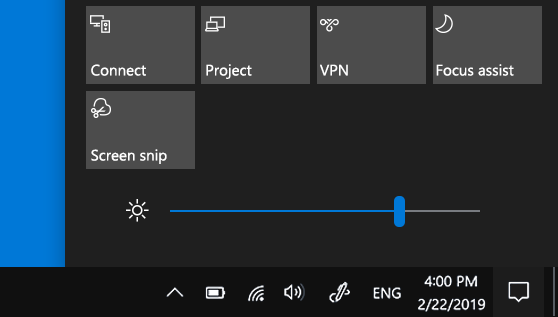
Having your screen set to the wrong brightness level can cause severe eye strain in a dark room or leave you squinting at a washed-out display under bright office lights. Whether you want to quickly dim your monitor to save…
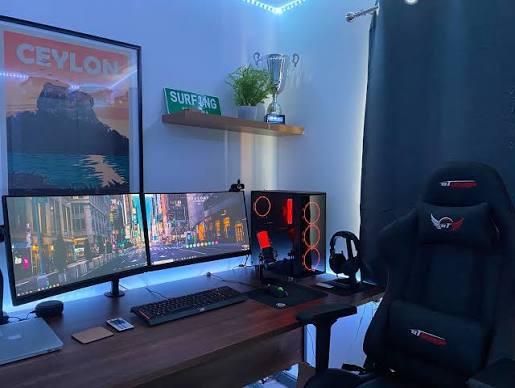
Expanding your workspace with a second monitor is one of the single most effective ways to boost your daily productivity. Whether you want to reference documents while writing, monitor communication apps while coding, or simply enjoy an immersive gaming and…
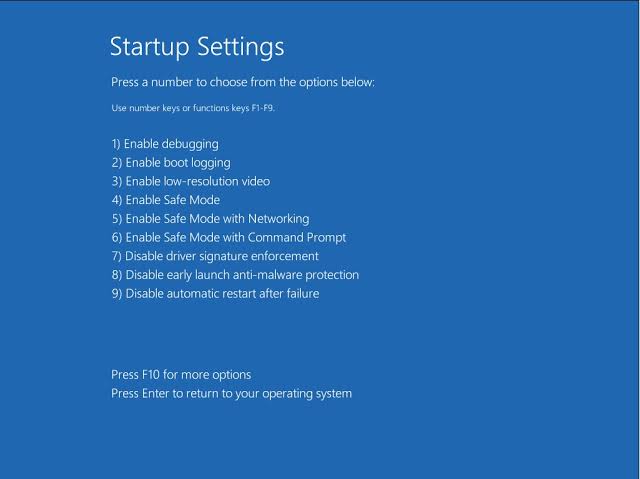
Safe Mode is an invaluable diagnostic tool for Windows. When your computer encounters persistent errors, crashes frequently, or is infected by stubborn malware, standard troubleshooting methods often fail because third-party applications or corrupt drivers interfere with the operating system’s operation.…



