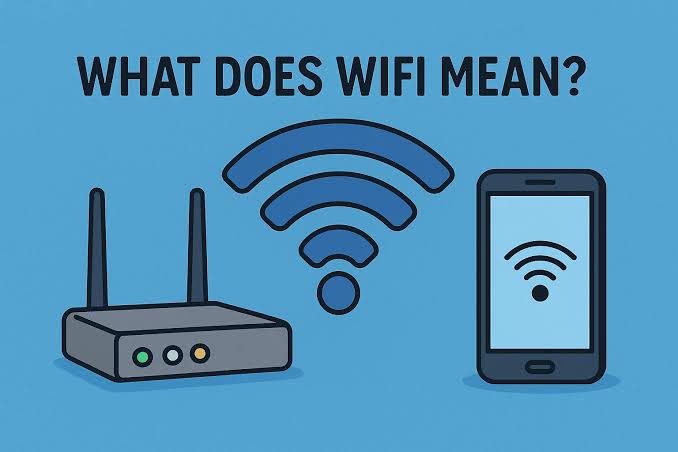
Your router is the front door to your digital life. Leaving it with factory settings is like leaving your front door wide open. Proper configuration not only protects your personal data from external threats but also ensures your network runs smoothly. Here is how to secure and configure your router effectively.
1. Securing the Admin Panel
The first step in securing your network happens before you even connect a device to the internet.
Change Default Credentials: Never leave the admin username and password as “admin/admin” or “admin/password”. Change them immediately to a complex passphrase.
Disable Remote Management: Ensure that the router’s web interface can only be accessed from within your local network. Disabling remote management prevents external IP addresses from attempting to log into your router’s control panel.
2. Firmware Updates & Maintenance
Like any operating system, router firmware needs regular updates to patch security vulnerabilities and improve overall performance.
Enable Auto-Updates: If your router supports it, toggle on automatic firmware updates so you never miss a critical security patch.
Manual Checks: For older models, set a monthly reminder to log in and check the manufacturer’s website for the latest firmware versions.
3. Port Forwarding and Traffic Routing
When you need specific devices to communicate seamlessly with the outside world, proper routing configuration is essential.
Static IPs for Key Devices: Assign static IP addresses to critical devices on your network via DHCP reservation in the router settings. This ensures that any port forwarding rules always point to the correct internal machine.
Manual Port Forwarding: Instead of relying on automated protocols, manually open specific ports only for the services that absolutely require them. This minimizes your network’s exposure to the open web.
4. Disabling Vulnerable Protocols
Convenience often comes at the cost of network security. Several default features on modern routers should be disabled immediately.
Turn off WPS (Wi-Fi Protected Setup): While pushing a button to connect a device is easy, the PIN-based authentication of WPS is highly vulnerable to brute-force attacks.
Disable UPnP (Universal Plug and Play): UPnP allows devices on your network to automatically open firewall ports. Malicious software can exploit this to bypass your router’s security, so it is safer to keep it off and forward ports manually.
5. Network Isolation
Segmenting your network is one of the most effective ways to contain potential security breaches.
Set Up a Guest Wi-Fi: Create a separate network for visitors. This gives them internet access without exposing your personal computers, servers, and shared folders.
Isolate IoT Devices: Smart TVs, lightbulbs, and security cameras often have weaker security protocols. Connect them to the guest network to prevent them from acting as a bridge to your main network if they ever become compromised.