Physical Address
304 North Cardinal St.
Dorchester Center, MA 02124
Physical Address
304 North Cardinal St.
Dorchester Center, MA 02124

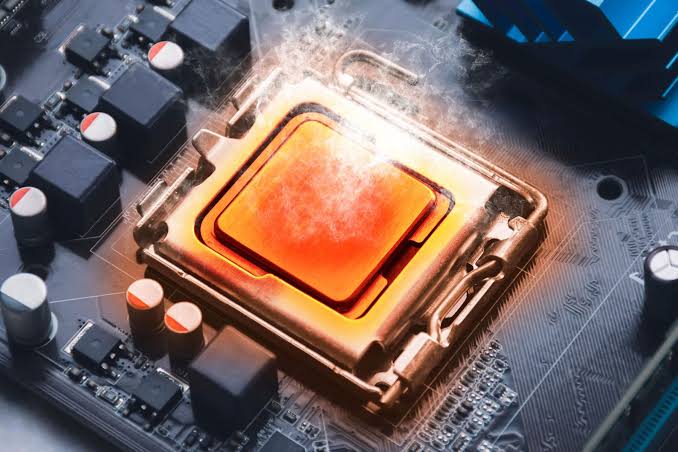
When diagnosing random system crashes, Blue Screens of Death (BSODs), or applications abruptly closing to the desktop without warning, the diagnostic spotlight rarely falls on the Random Access Memory (RAM). For generations of PC building, memory was considered a “plug-and-play” component. As long as it clicked into the motherboard slot, it ran perfectly cold and required zero thermal management.
However, the relentless pursuit of memory bandwidth has fundamentally altered the physical and electrical characteristics of system memory. With the advent of ultra-high-speed DDR4 (specifically highly-tuned Samsung B-Die) and the architectural overhaul of modern DDR5, memory modules now draw significant electrical current. Consequently, they generate localized heat that can completely destabilize a system.
Understanding why hot memory causes data corruption, decoding the architectural changes in DDR5 power delivery, and implementing active memory cooling are now mandatory steps for high-end system tuning.
To understand why RAM is sensitive to heat, you must understand how data is physically stored within a memory chip.
Dynamic Random Access Memory (DRAM) stores binary data (1s and 0s) as electrical charges inside billions of microscopic capacitors.
tREFI timing parameter).If that flipped bit was part of a texture file, you might see a brief graphical glitch in a game. If that flipped bit was part of the Windows Kernel or a critical GPU driver, the entire operating system instantly halts to protect itself, resulting in a fatal Blue Screen of Death.
The transition from DDR4 to DDR5 introduced a massive architectural change that drastically increased memory temperatures.
In previous generations (DDR3 and DDR4), the motherboard was responsible for managing the power delivery to the RAM. The motherboard stepped the voltage down (e.g., to 1.35V) and sent a clean, low-voltage signal into the memory slots.
DDR5 moved the power delivery onto the RAM stick itself. Every DDR5 module now features its own miniature Voltage Regulator Module, known as the PMIC (Power Management IC). The motherboard simply sends a raw 5 Volts directly into the memory slot. The tiny PMIC on the RAM stick steps that 5V down to the ~1.4V required by the memory chips.
Memory instability is notorious for mimicking other hardware failures. It rarely provides a clear error message stating “RAM is too hot.”
IRQL_NOT_LESS_OR_EQUAL or MEMORY_MANAGEMENT..rar or .7z archives, the software constantly reports CRC (Cyclic Redundancy Check) mismatch errors, despite the file downloading perfectly.Modern DDR5 (and high-end DDR4) modules feature internal temperature sensors located on the SPD (Serial Presence Detect) hub. You can monitor these in software like HWiNFO64 under the “Memory Modules” or “DIMM” section.
Unlike CPUs, which are safe up to 95°C, memory is highly sensitive to much lower temperatures.
When you buy a “7200MHz” RAM kit, it does not run at that speed out of the box. You must enter the BIOS and enable XMP (Intel) or EXPO (AMD).
These profiles are factory-sanctioned overclocks. Enabling them forces the motherboard to increase the memory voltage (VDD/VDDQ) and the memory controller voltage (VCCSA/SoC) to sustain the advertised speeds.
If you have verified via HWiNFO64 that your memory is exceeding 55°C (DDR4) or 65°C (DDR5) under heavy load, and you are experiencing crashes, you must implement active cooling.
Almost all enthusiast RAM comes with aluminum “heat spreaders.” Unfortunately, many modern RAM kits prioritize RGB lighting and aesthetics over thermal performance.
Because RAM sits vertically on the motherboard, it often sits in an aerodynamic dead zone, especially if you are using an AIO liquid cooler (which deprives the socket area of splash airflow).
If you cannot improve physical airflow, your only option is to reduce the heat generated.
tREFI timing (Refresh Interval) to boost performance. However, increasing tREFI means the capacitors go longer without being refreshed. If the RAM is hot, they will leak and fail. Returning tREFI to its default, lower value ensures the memory is refreshed frequently enough to survive high temperatures without corrupting data.



